Bulk Generate Code 128 Barcodes
Organize your entire warehouse instantly. Learn how to generate hundreds of high-density Code 128 barcodes in bulk to label storage bins and shelving units.
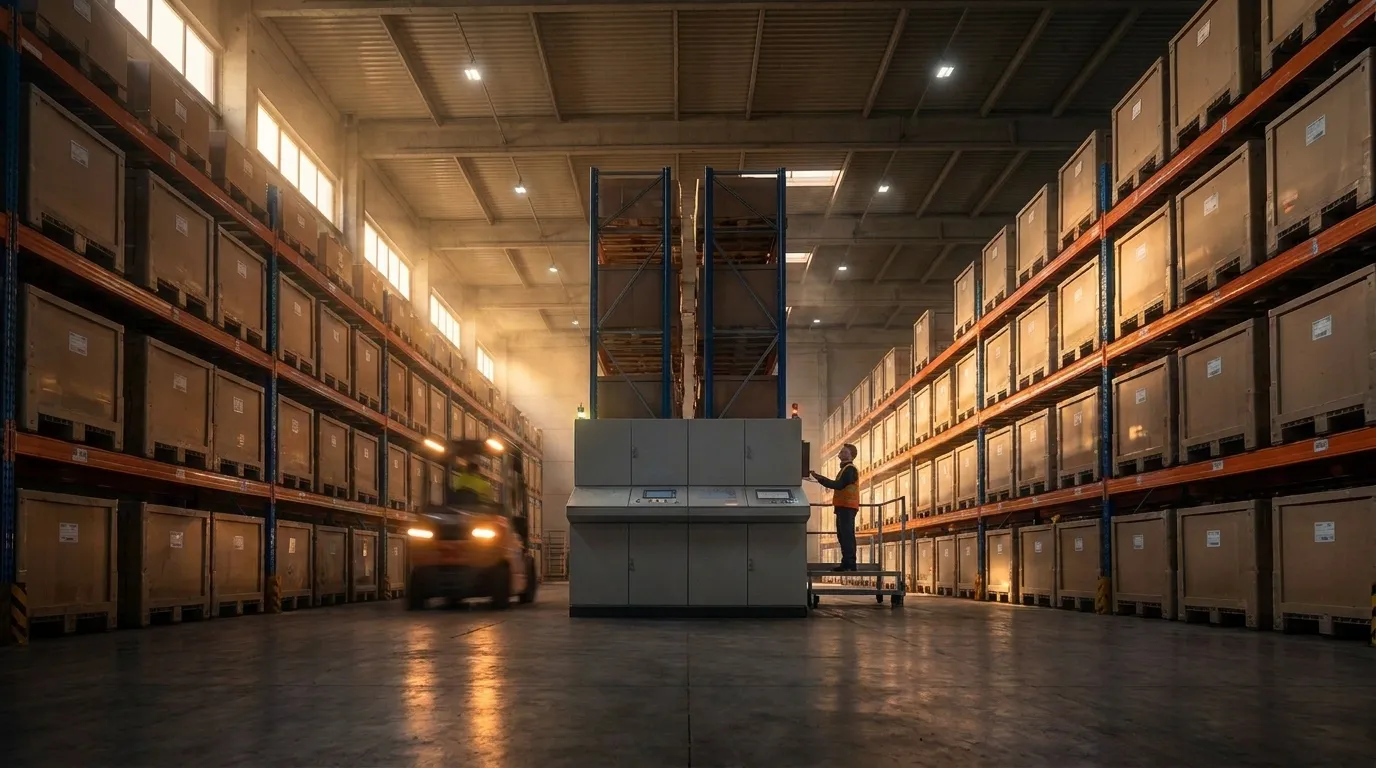
The Physical Space Constraint
When outfitting a new warehouse or fulfillment center, every single aisle, shelf, and individual plastic storage bin needs a scannable location ID. Location IDs are often long alphanumeric strings (like AISLE-4-SHELF-B-BIN-092).
Because the physical space on the lip of a plastic bin or the edge of a metal shelf is extremely limited, you need a high-density barcode that can compress long data strings into a narrow physical space. Code 128 is the perfect symbology for this because its data compression algorithm makes it significantly narrower than Code 39 for the exact same data.
Labeling 5,000 Bins Instantly
To label a warehouse with 5,000 bins, you cannot generate labels individually. A bulk barcode 128 generation workflow is required.
Using a Bulk Barcode Generator, you can accomplish this in minutes:
- Export your list of bin locations from your Warehouse Management System (WMS) to an Excel sheet.
- Paste the 5,000 rows into the bulk generator.
- Select "Code 128" as the symbology.
- Export a single PDF document perfectly formatted for Avery label sticker sheets.
- Print using a standard office laser printer, walk the aisles, and label every bin rapidly.
Full ASCII Support
Another advantage of Code 128 for warehouse bins is that it supports all 128 characters of the ASCII table. If your WMS uses complex location IDs with lowercase letters, underscores, or unusual punctuation, Code 128 can encode it natively without any workarounds.