QR Code vs. PDF417 Barcodes
When creating ID cards, the choice of barcode depends entirely on one factor: do you need online or offline verification?
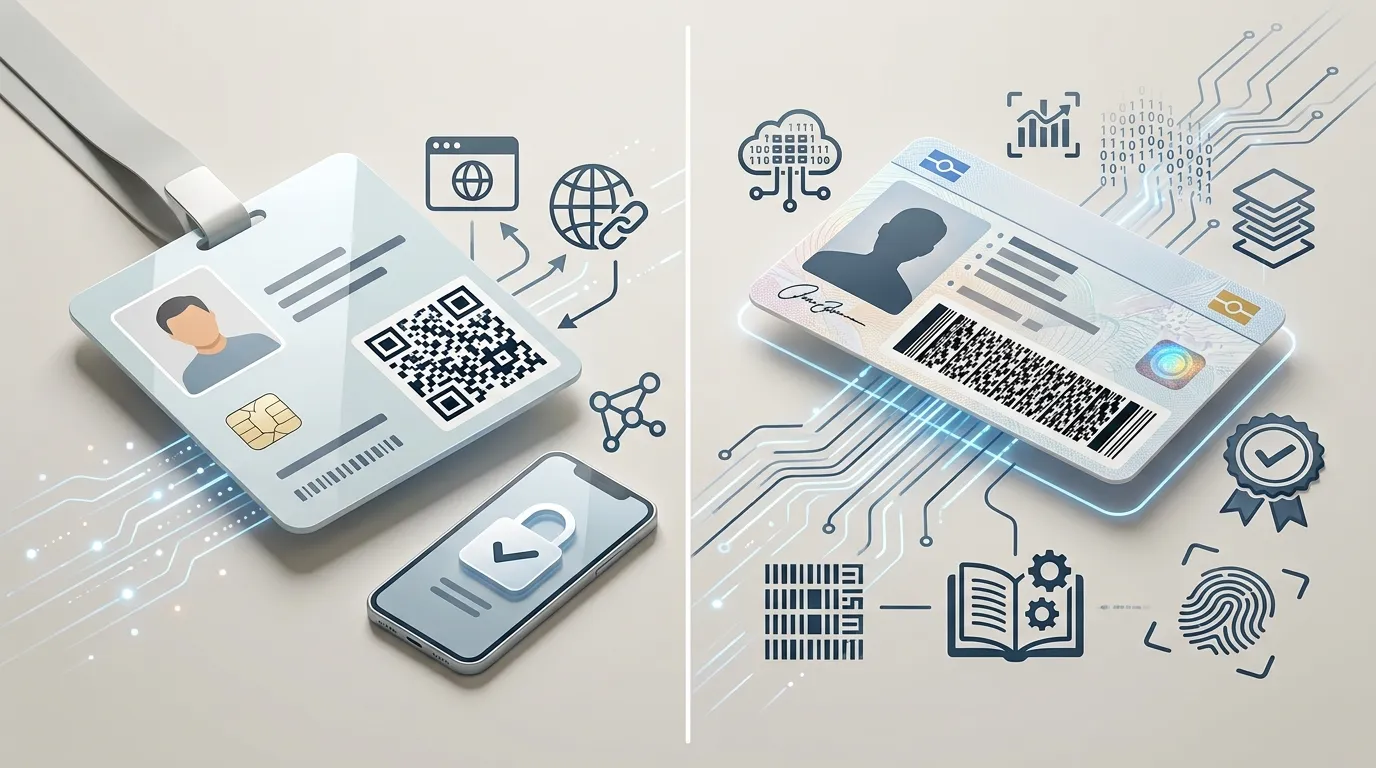
QR Code: The Online Indexer
A QR Code is perfect for storing simple pieces of information, most commonly a URL or an alphanumeric string. For a modern employee ID card, you typically use a QR code to act as an "index" key.
When scanned at a security gate, the QR code simply outputs a string like EMP-84920. The scanner then sends that string via Wi-Fi to a central server, which looks up the employee's photo and permissions. It is simple, universally scannable by any cheap camera, and highly secure (because if the card is lost, you can just revoke EMP-84920 in the database).
PDF417: The Offline Database
PDF417 (Portable Data File 417) is a radically different technology. It isn't a square matrix like a QR code; it's a stacked series of linear barcodes. This structure gives it an enormous, robust data capacity of over 1.1 kilobytes.
This massive payload allows you to store a person's entire profile directly within the barcode itself. You don't need a Wi-Fi connection or a central database to know who the person is. This offline capability is exactly why PDF417 is the mandated standard for US Driver's Licenses (AAMVA standard), government ID cards, and airline boarding passes.
The Verdict
If your ID card system relies on a central database and you just need a simple, cheap way to look up a user, use a QR Code.
If you need to store a large amount of user data (like physical descriptions, addresses, or biometric data) directly and securely on the card for offline verification by law enforcement or TSA agents, PDF417 is the required format.