Bulk Barcodes for Clothing Tags
Learn how to generate UPC and EAN retail barcodes in bulk for fashion apparel and clothing tags. Export ready-to-print SVGs for manufacturers.
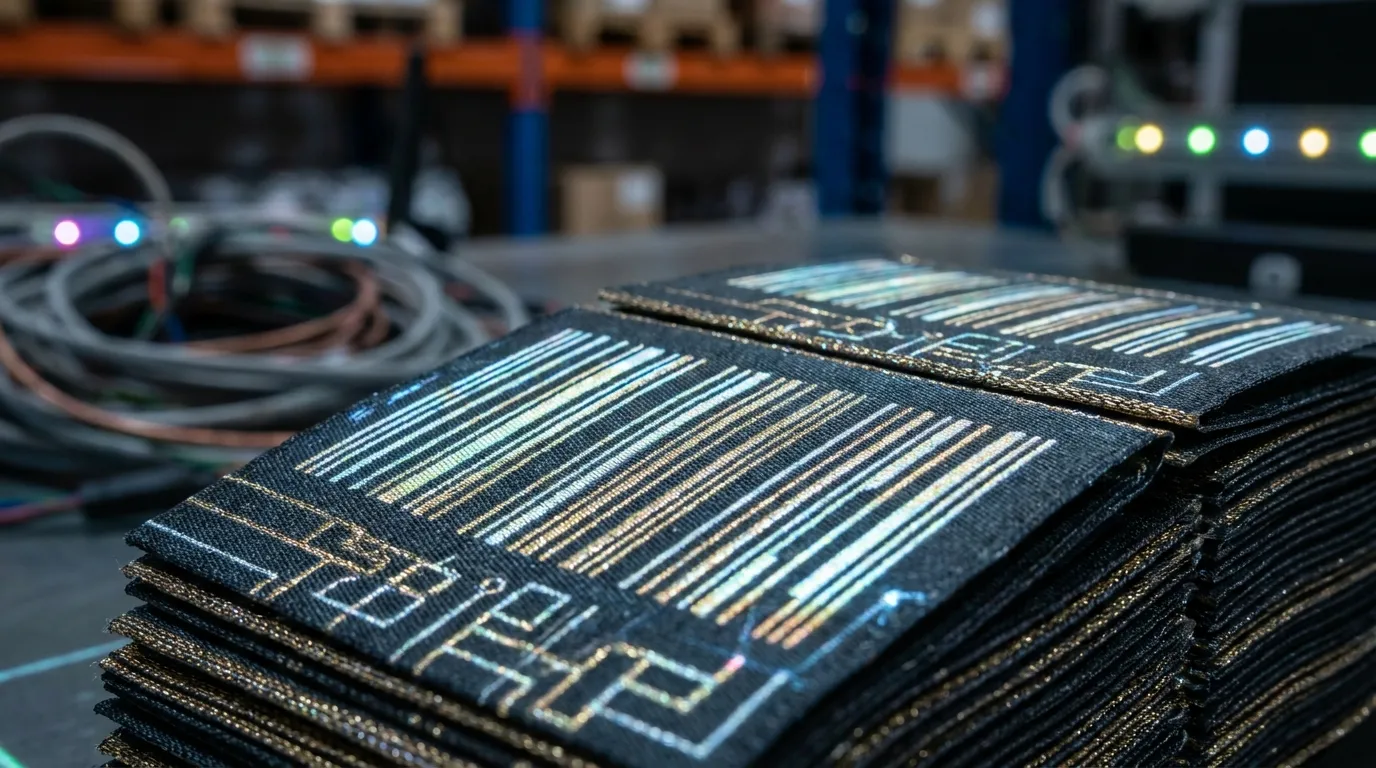
Variations Require Unique Barcodes
In the fashion retail industry, a single t-shirt design might have 20 different variations when accounting for color (Red, Blue, Black, White) and size (XS, S, M, L, XL).
Every unique variation must have its own distinct UPC-A or EAN-13 barcode printed on the physical hang tag. If you use the same barcode for all sizes, your retail store will never know exactly which sizes they are selling out of.
Exporting for the Manufacturer
When launching a new seasonal collection, a fashion brand might need to generate 500 unique barcodes simultaneously. Doing this manually is prone to errors that could ruin a retail launch.
Using a Bulk Barcode Generator, a clothing brand can automate the process:
- Map out all product variations in an Excel spreadsheet.
- Assign each variation its unique 12-digit GTIN.
- Paste the entire column of GTINs into the bulk generator.
- Select "UPC-A" (for North America) or "EAN-13" (for Global).
- Download a ZIP file containing every barcode as a Vector SVG.
Why Vector SVGs?
When you send artwork to your hang-tag manufacturer (often overseas), they need scalable graphics. An SVG file ensures that no matter how small they print the barcode on the cardboard tag, the lines will remain mathematically perfect and laser-sharp, ensuring 100% scan rates at the checkout register.